This article provides instructions for logging into Evolve. To follow these steps, you'll require your email address and password.
Step 1
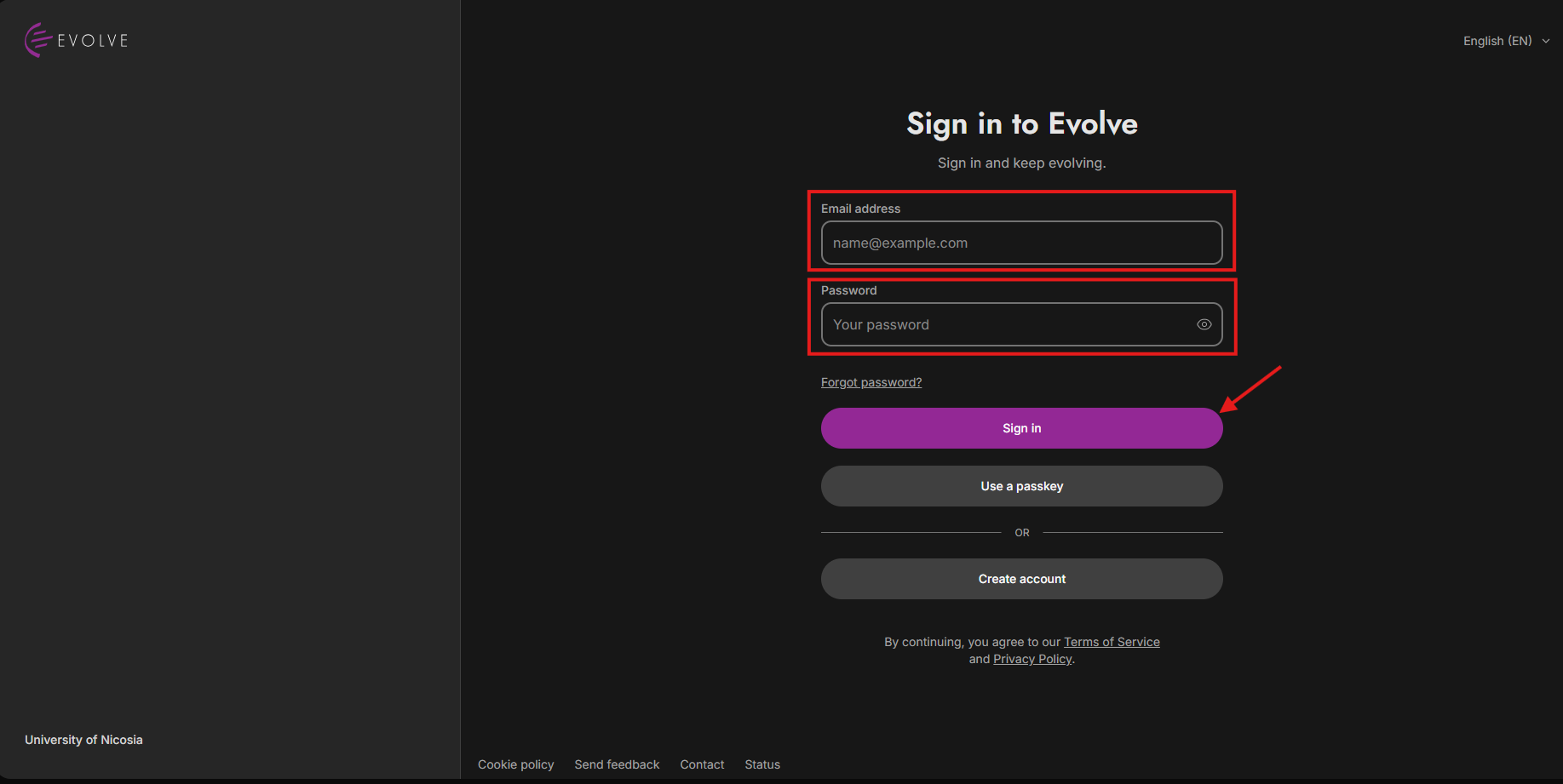
Please begin by following this Link, which will direct you to the sign-in page for Evolve.
Step 2
To log in, enter your email address and password, then click 'Sign in,' as depicted in the image above.


If you enter the wrong password or email, you will get this notification in the bottom right corner of your screen:
If there is no such account, you will get this notification in the top right corner of your screen:

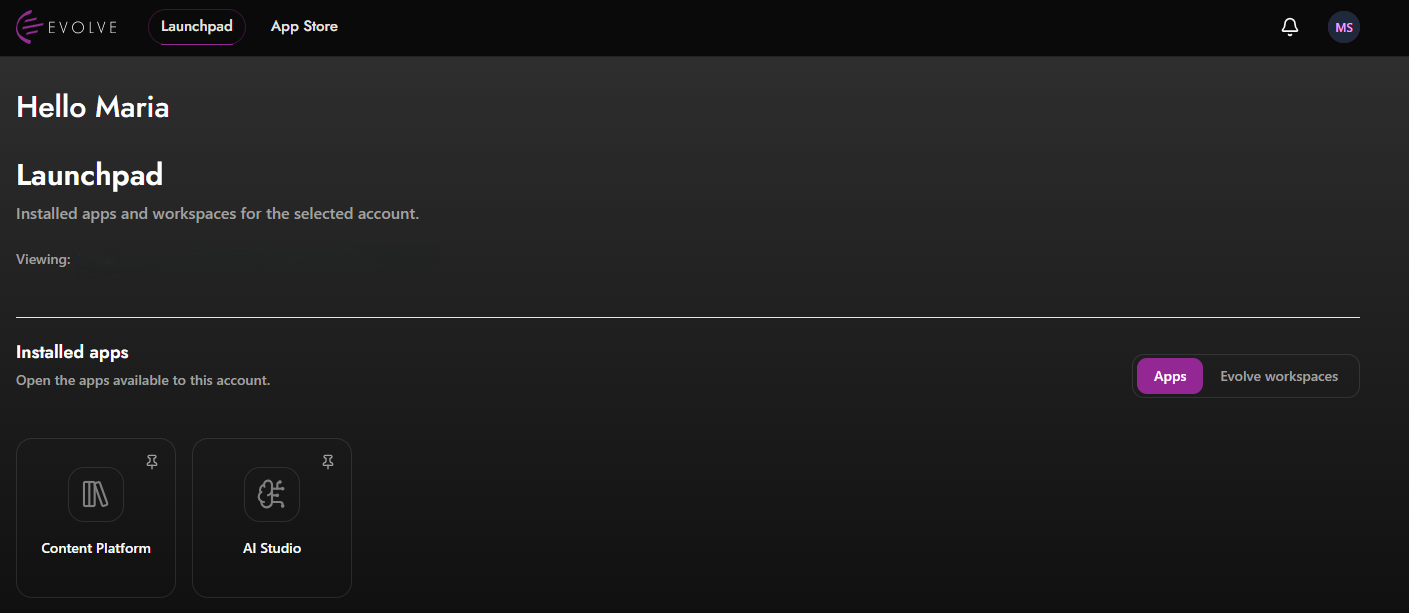
You have now successfully logged in to Evolve!
Please note that your dashboard's appearance may vary depending on your selected mode (dark or light) 🌑🌕 and any installed apps.