Please begin by following this Link, which will direct you to the sign-in page for Evolve.
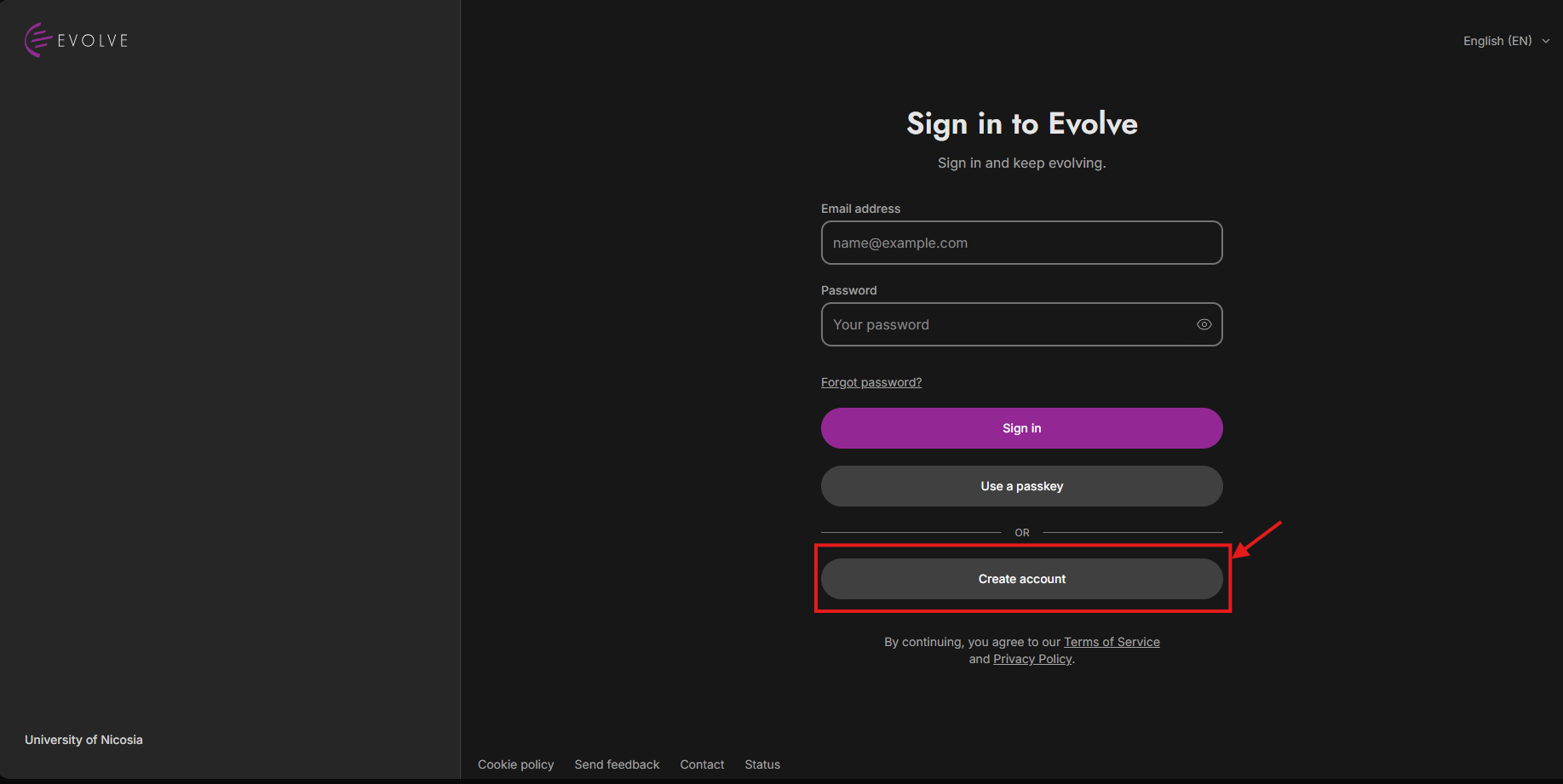
Find and click the "Create an account" link located below the sign-in to begin the account creation process, as depicted in the image above.
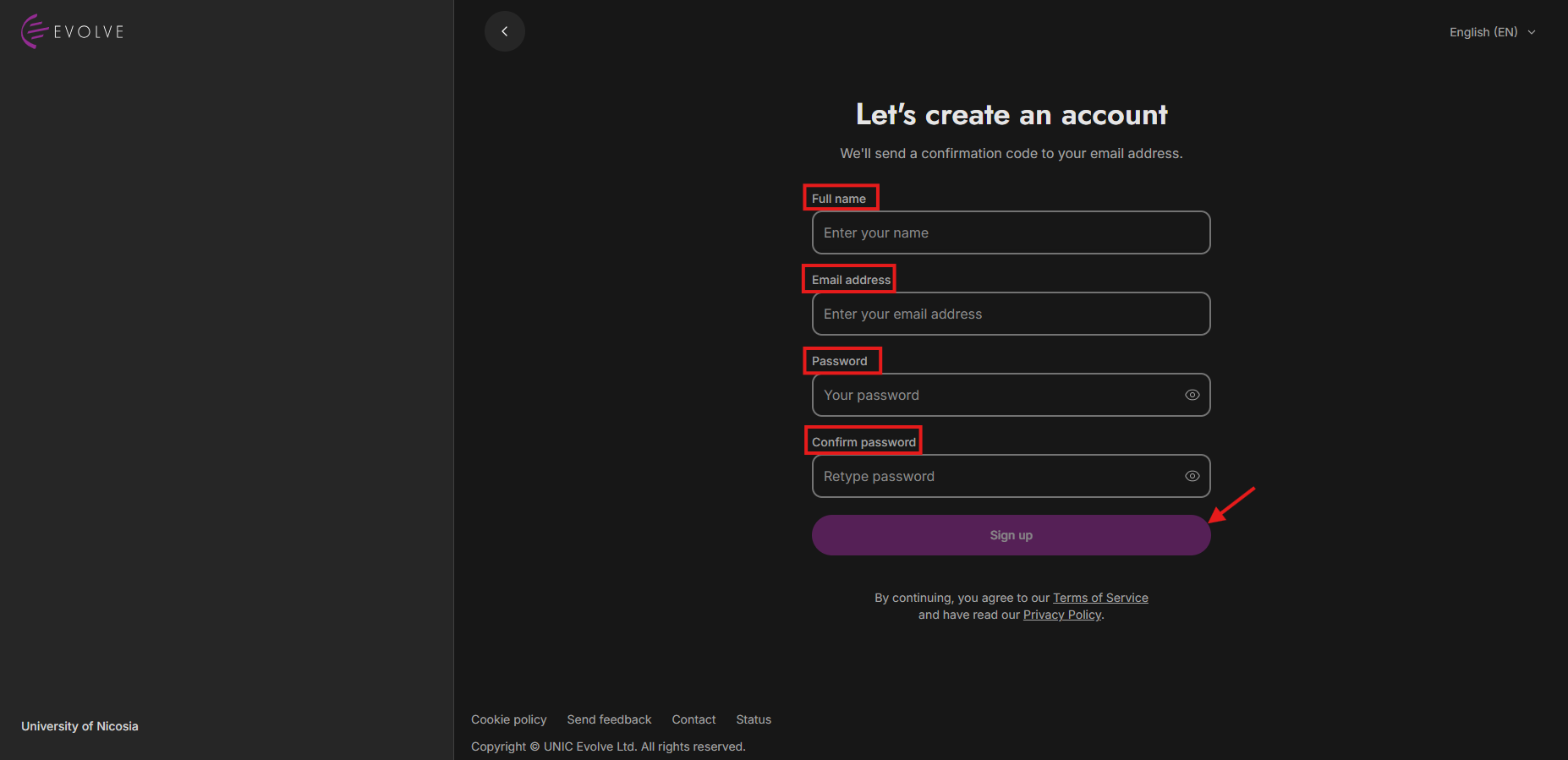
You will be redirected to a new page, where you'll need to enter your email address and password in the designated fields. Enter your password again in the "Confirm Password" field. Choose a strong and secure password that you can remember easily. Make sure to follow the specific password requirements provided, as depicted in the image above, and click "Continue” to proceed with creating your account.


If you have a WORK UNIC email, most likely you have an account, and you just need to reset your password. To reset your password, click here.
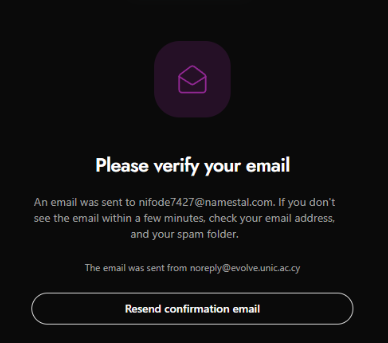
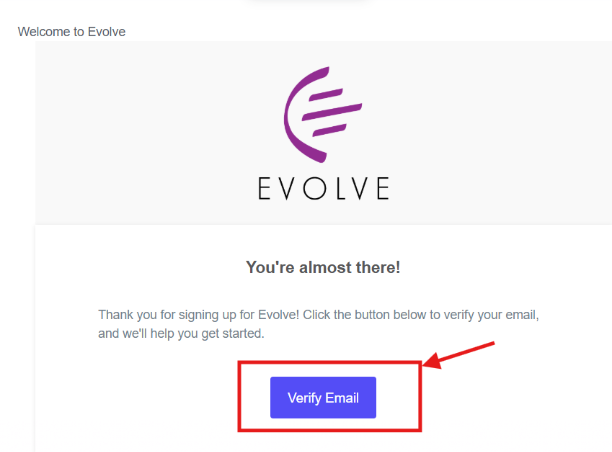
After submitting your account creation information, check your email inbox for a message from Evolve.
This email will contain a "Verify Email" link that you need to click on to verify your email address and activate your account.

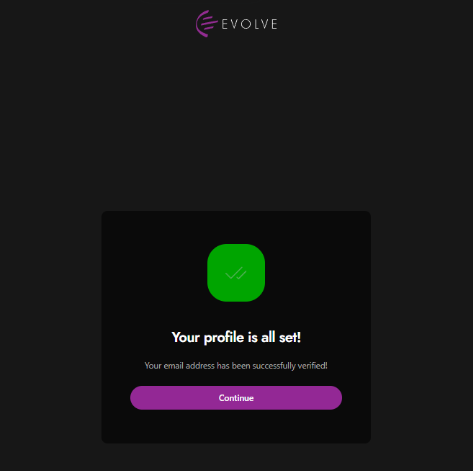
After clicking on the verification link, you will typically be redirected to a confirmation page that your email address has been successfully verified. This confirms that your account has been created, and you can now access Evolve using your new account credentials, as depicted in the image above, and click "Continue”.