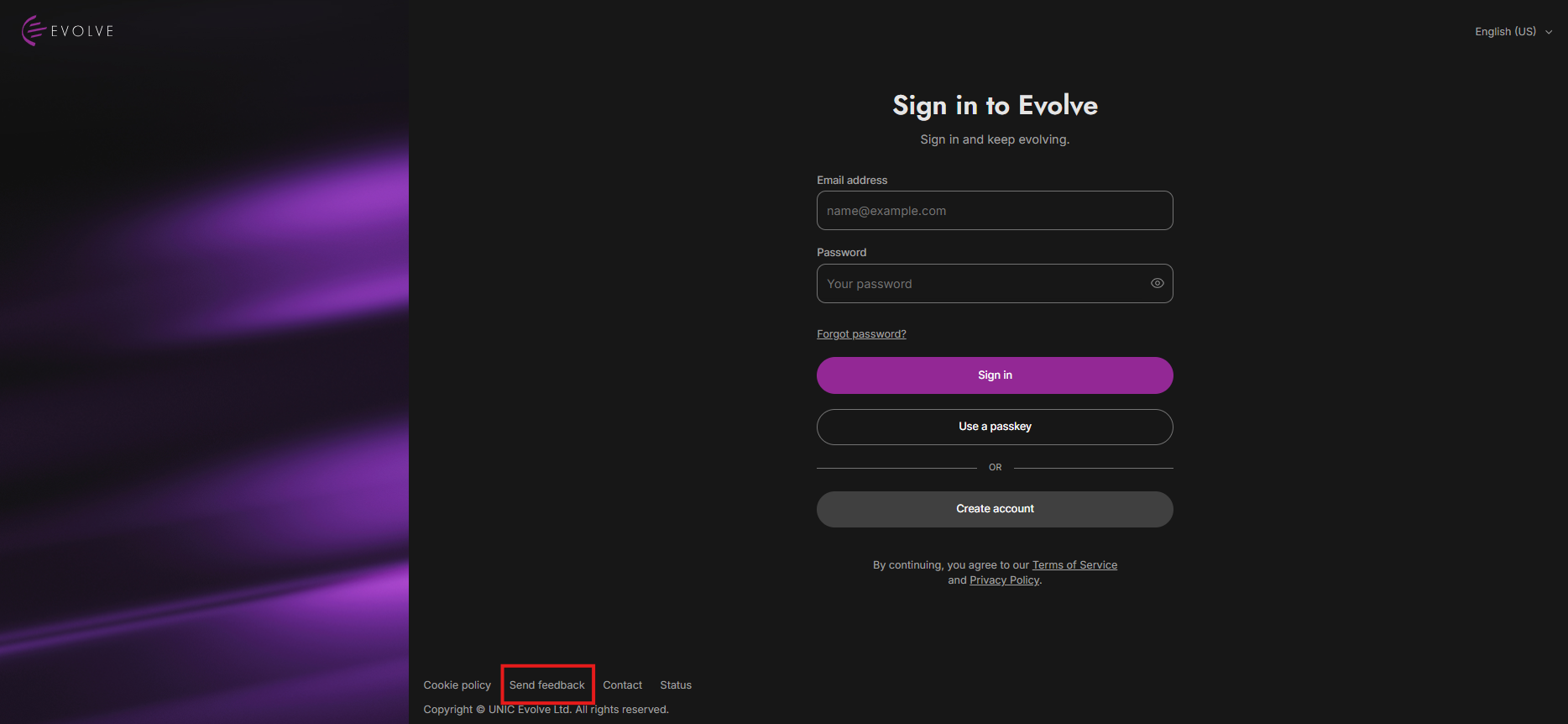
The Send Feedback button is now located in the footer of the page on the pre-login screen, allowing you to provide feedback without logging in.
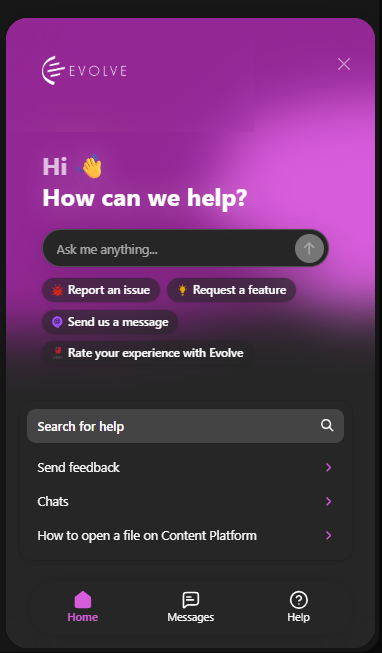
Then opens the modal at the bottom of your screen, where you can see Chats, Send feedback, Live chat, etc.
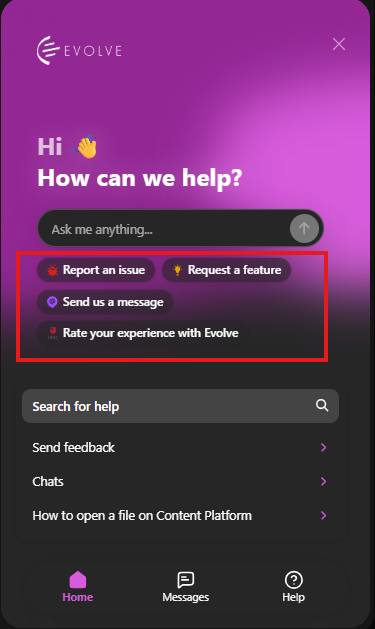
Use this when something is broken or not working correctly.
Examples:
A page will not load
A feature is not working
You see an error message
Something looks incorrect
Use this when you want to suggest a new feature or improvement.
Examples:
“Add dark mode”
“Allow bulk downloads”
“Add more filtering options”
“Improve search results”
Use this when you want to contact the Evolve team directly.
Examples:
General questions
Account help
Support requests
Follow-up messages
Use this to give feedback about your overall experience.
Examples:
Rating the platform
Sharing what you like
Explaining what could be improved
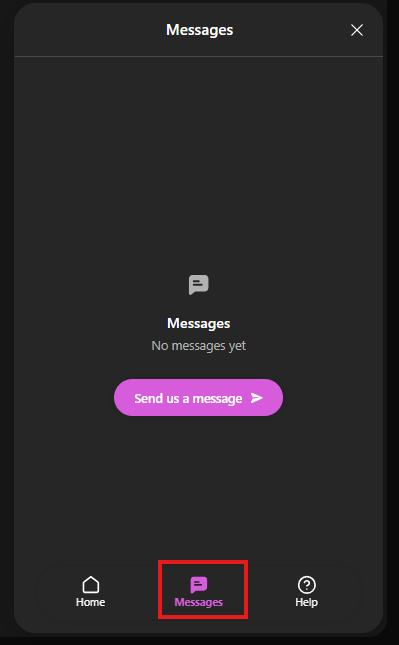
If you click Messages, you can send a message to live chat support.
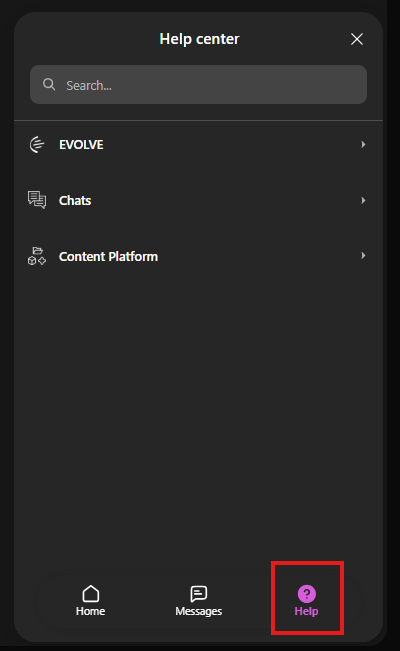
If you click Help, you can view all the documentation and guides of Evolve.