Please begin by following this Link, which will direct you to the sign-in page for Evolve.
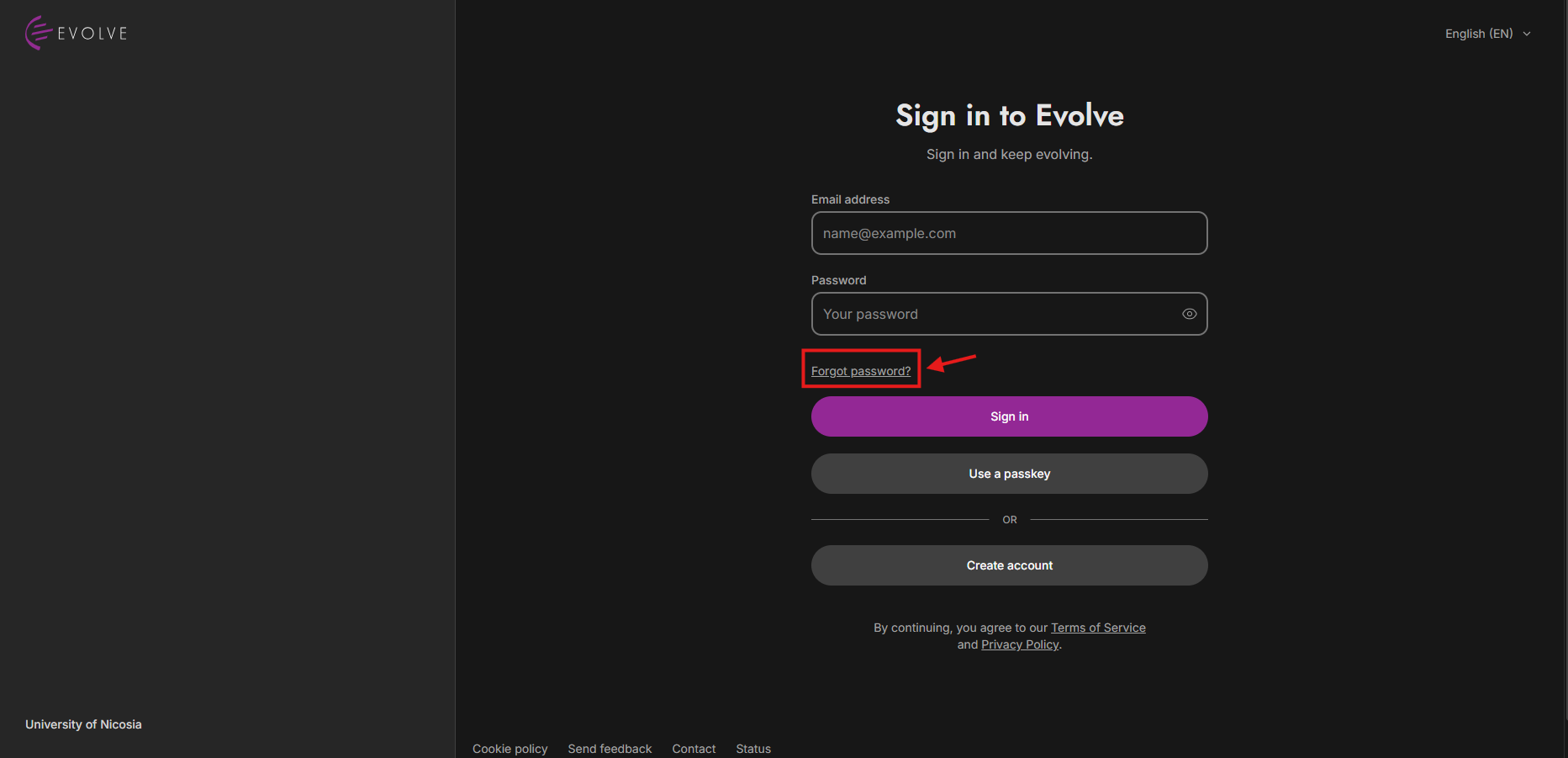
Find and click the "Forgot Password?" link located below the login fields, as seen above, to initiate the password reset process.
Additionally, you'll find guides here on how to log in and create an account.
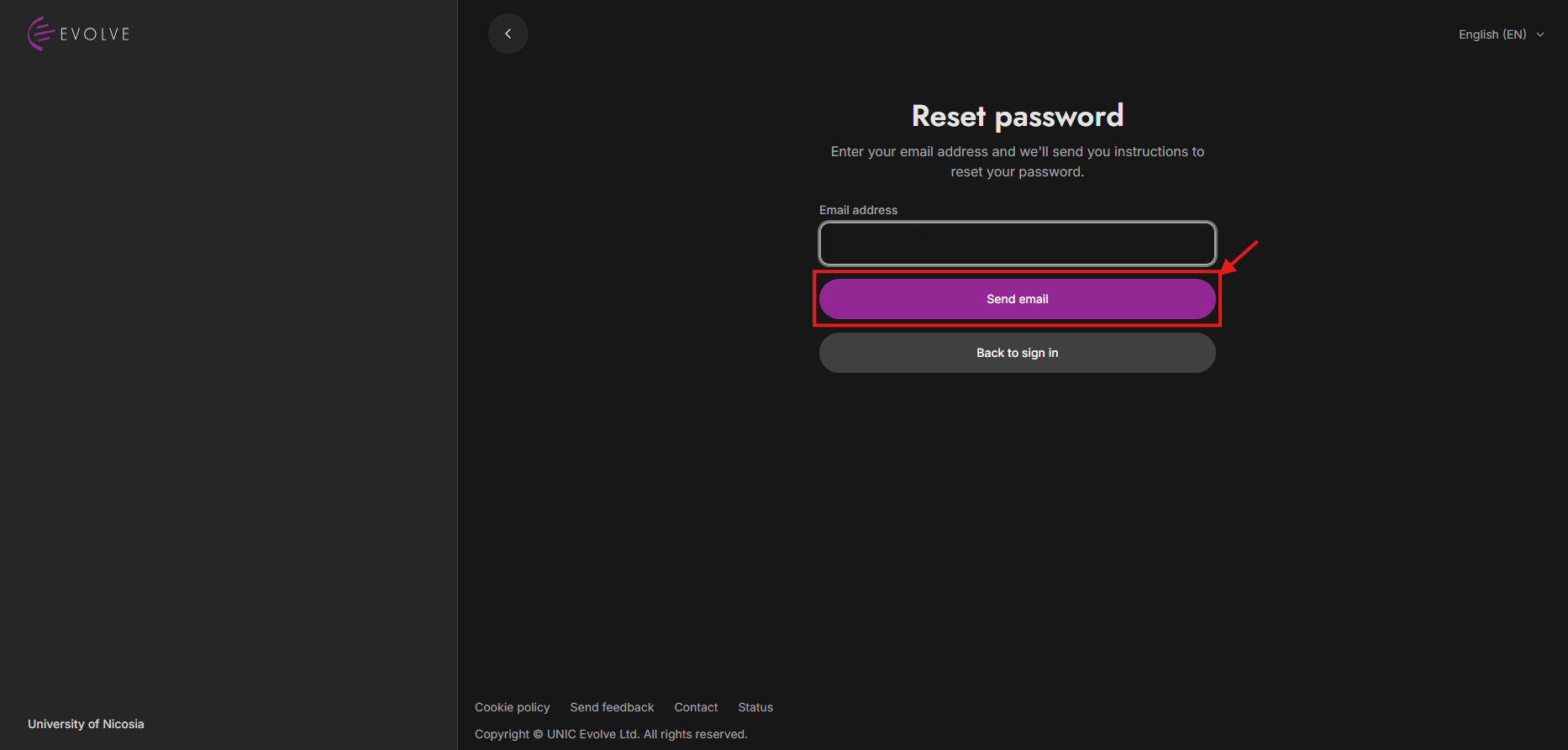
You will be prompted to enter the email address associated with your account. Ensure to enter the correct email address, and click “Send email”.
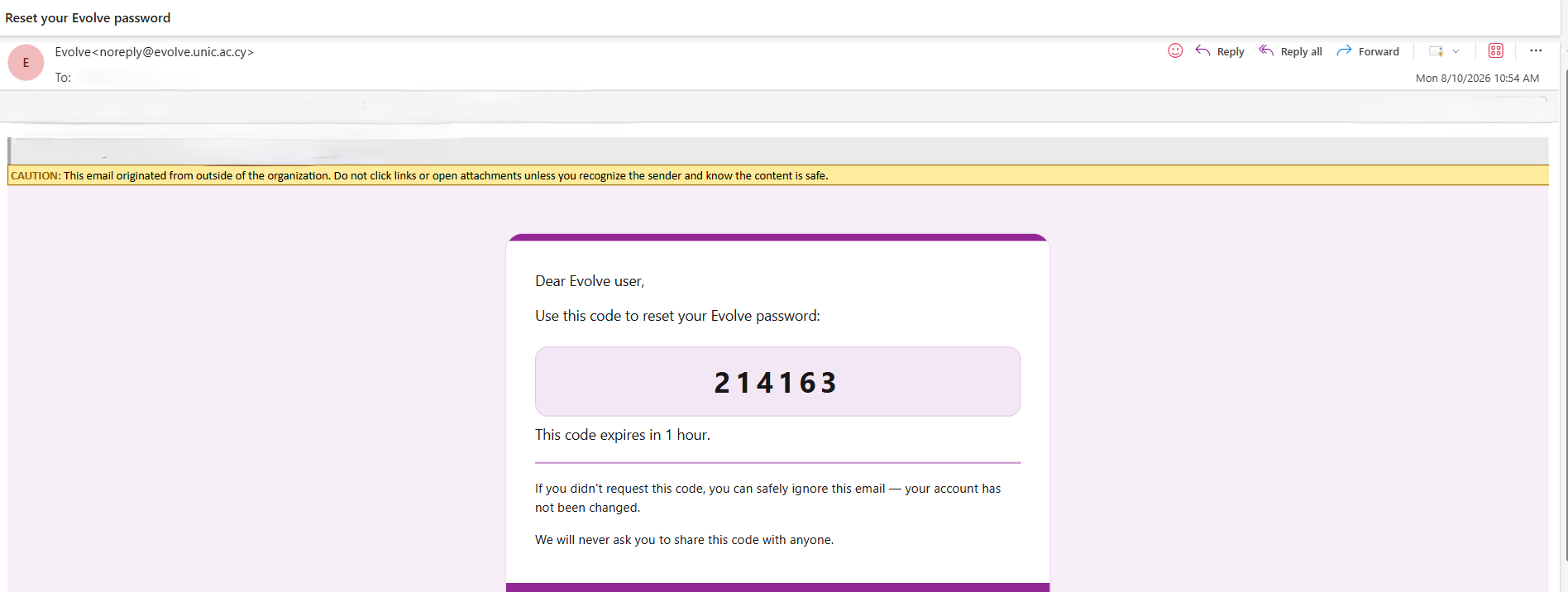
After entering your email address, check your email inbox for a message from Evolve. This email will contain the verification code.

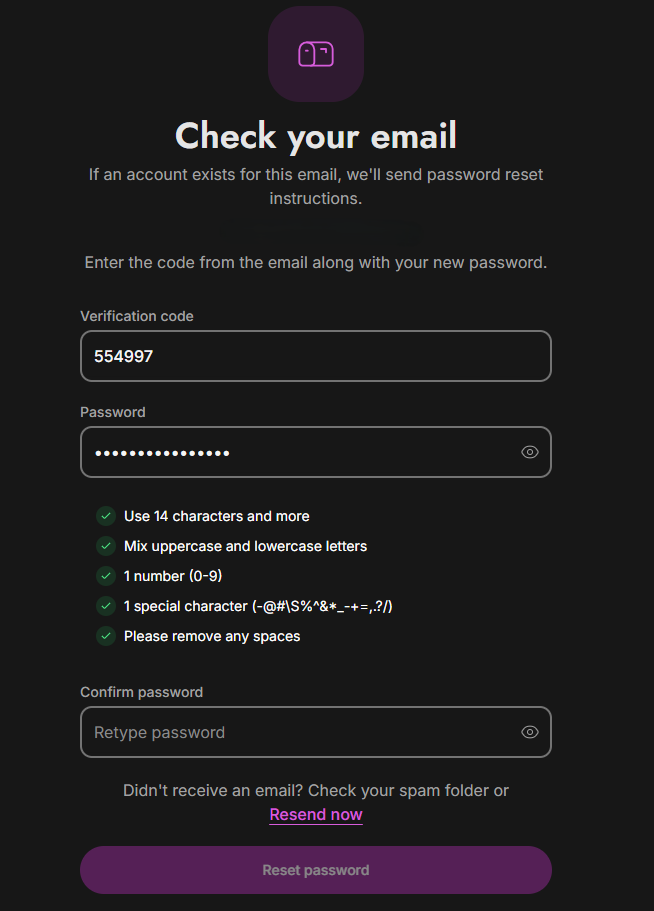
Once you're on the password reset page, you will be prompted to enter the verification code (sent to your email) and a new password. Choose a strong and secure password that you can remember easily. Make sure to follow the specific password requirements provided, as depicted in the image above, and click "Reset Password”.